
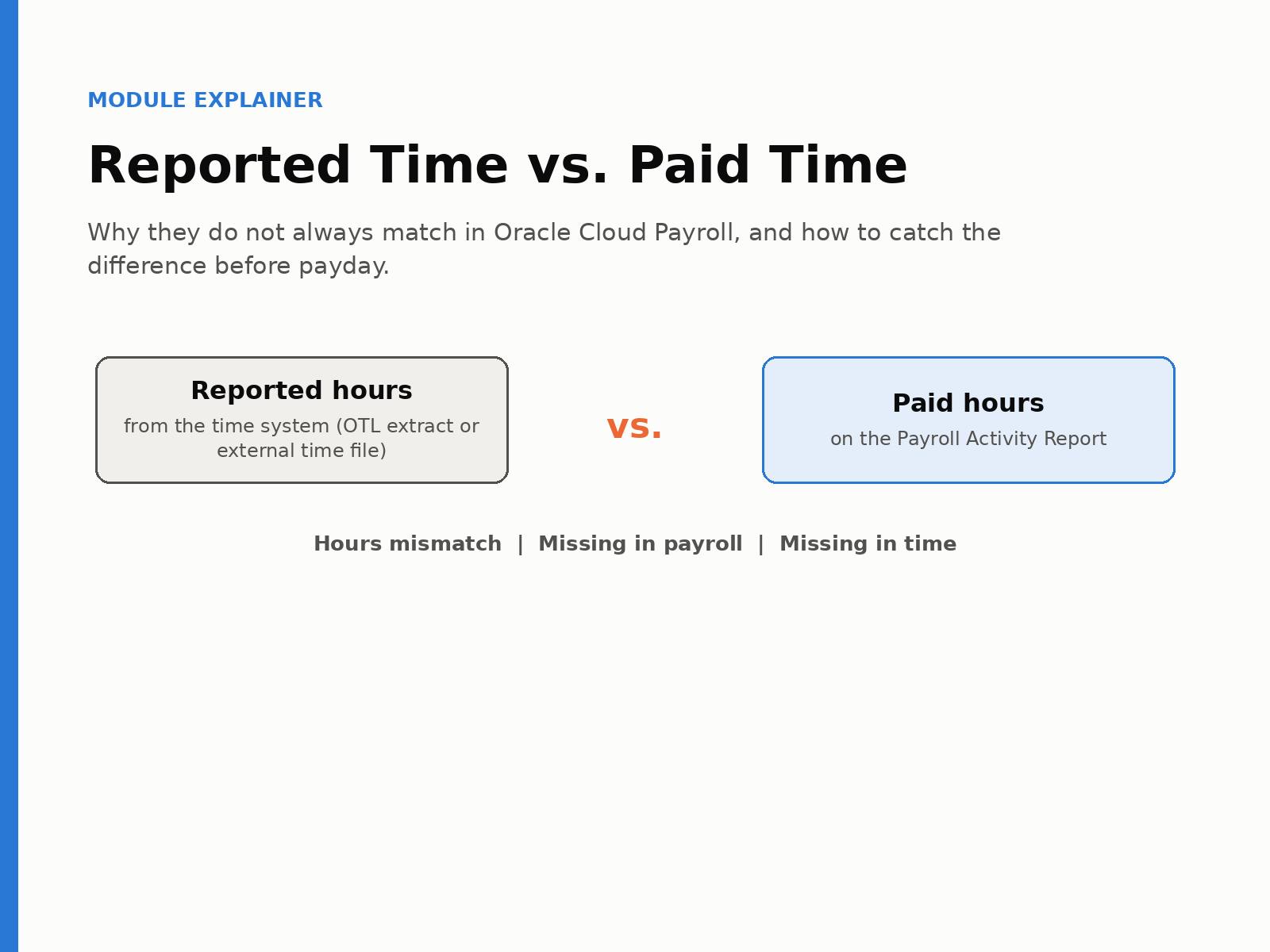
To reconcile reported hours against what was paid in Oracle Cloud Payroll, you pull hours directly from the time system, whether that is Oracle Time and Labor or an external system such as UKG or Kronos, rather than from whatever imported into payroll. You map each time code to its regular and retro payroll balance, then compare the result to the Payroll Activity Report before archiving. The results fall into three categories. An hours mismatch means both sides have hours but the amounts differ. Missing in payroll means hours were reported and nothing was paid. Missing in time means payroll paid hours that were never reported, which is almost always a manual element entry.
An auditor can ask a payroll team to prove that what employees reported on their timecards is what they were paid, and to show which differences were deliberate overrides with a record behind them. Most teams can answer that eventually, with a lot of Excel. This reconciliation answers it in one run.
Payroll teams already have a report of what transferred from time into payroll, and this reconciliation deliberately does not use it. The source of truth for time is the time system itself, where employees reported hours and managers approved them, and the whole point of the exercise is to find what was dropped, changed, or never transferred along the way. Comparing payroll to its own import would confirm only that the import matched itself.
For Oracle Time and Labor, that means reading hours through an HCM extract we deploy in the customer’s environment and run from Submit a Flow before payroll processing starts. We chose an extract rather than a BI report because Time and Labor BI reports on a large population often run long or fail outright, whereas the extract is reliable and, when run before payroll, is ready by the time the Payroll Activity Report is. It also carries the transfer status of each entry, which turns out to be useful on its own. For external time systems, the equivalent input is the time file exported from that system, and the other side of the comparison in either case is the standard Payroll Activity Report.
The mapping, the exclusions, and the date
Three small setup items make the comparison meaningful, and they are worth understanding because they are where most of the tuning happens.
The mapping sheet exists because the pay code name in the time system is rarely the balance name on the Payroll Activity Report, and because each time code actually needs to map to two payroll balances rather than one, the regular version and the retro version. A callback entered for a prior period lands on the activity report as a retro element, and the reconciliation needs to know that it is the same thing. The mapping is a one-time exercise that gets revisited when new pay codes are added and otherwise left alone.
The exclusion list removes elements that will never reconcile and would only add noise if left in. The usual candidates are unpaid meal and rest breaks, information elements that exist in payroll but have no counterpart in time, and accrual or entitlement hours, which calculate leave accruals and never appear on a time file. Salaried employees are the other big case, because their earnings element is an auto-pay rather than a timecard, so it goes on the exclusion list while they continue to be reconciled on the PTO and absences that do come from time. If you would rather exclude nothing, you upload an empty sheet.
The period start date tells the reconciliation which period a time entry belongs to, and therefore whether it should have been paid as regular or as retro.
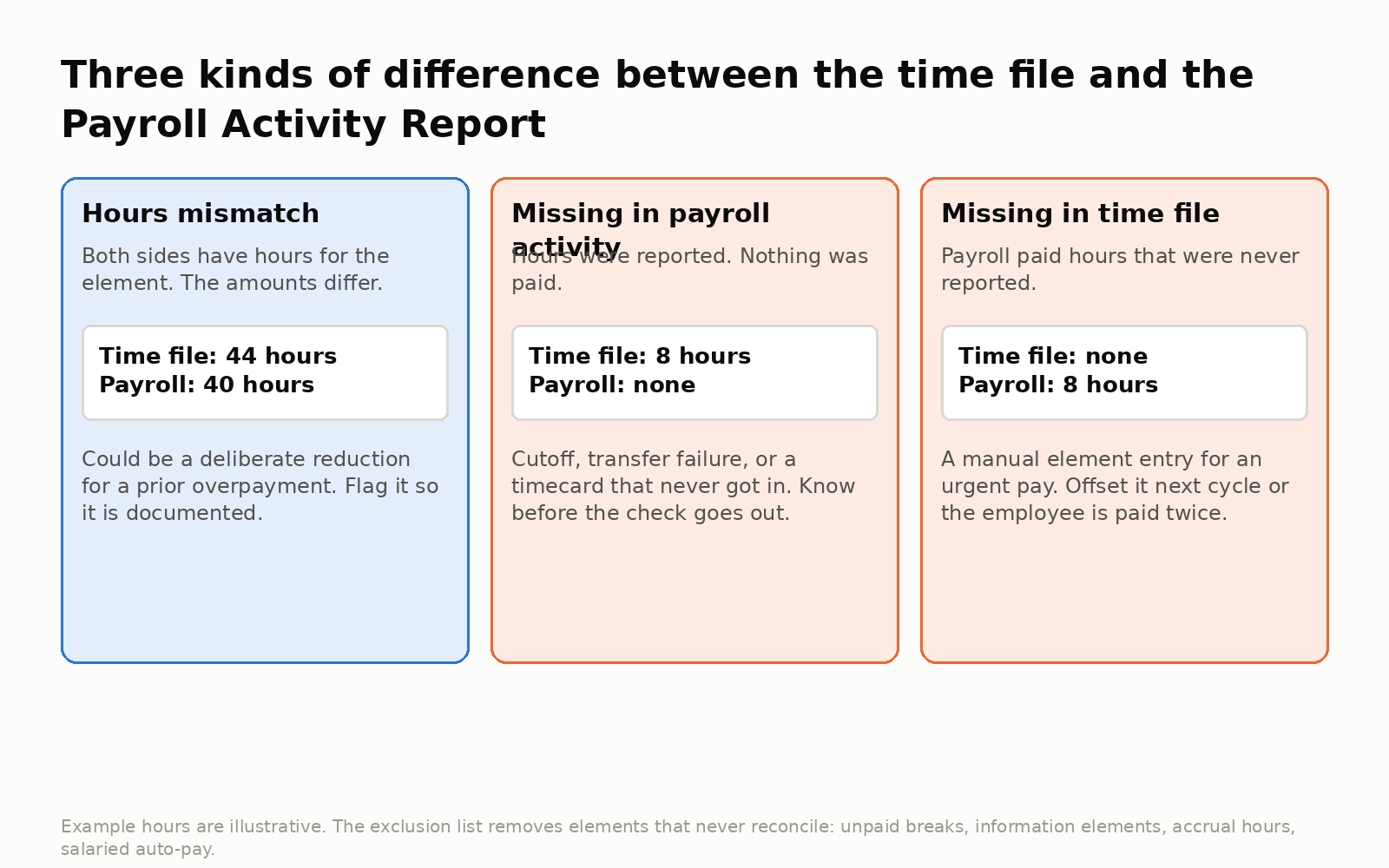
The three kinds of difference between a time file and the Payroll Activity Report.
Three kinds of difference
An hours mismatch means both sides have hours for the element and the numbers differ. Sometimes that is a genuine and deliberate reduction, as when payroll cuts four hours from a forty-four-hour week because those hours were already paid in a prior period. The reconciliation has no way of knowing that, so it flags the row, and the flag is what makes the reduction visible and documented. Without it, the same reduction, or the absence of one, is invisible, and the more common outcome in practice is an overpayment that nobody noticed.
Missing in payroll activity means hours are on the time file and nothing corresponding is on the activity report. Often it is a cutoff issue, where the employee submitted after the payroll cutoff and will be paid next cycle, which is fine. Sometimes it is a transfer failure, or a timecard that never got in because a system was down, and either way the employee has reported hours that are not being paid, which someone should know about before the check goes out rather than after.
Missing in time file means payroll paid hours that were never reported, and this is the manual override case, which is more common than people expect. An employee cannot wait for the next payroll, the hours are sitting in time, nobody is going to run another import for one person, so payroll makes an element entry, possibly runs a quick pay, and pays it. All of that is legitimate. The catch comes next cycle, when those same hours arrive from the time system in the normal transfer and must be offset, or the employee is paid twice. High-volume, high-turnover employers see this constantly, and large quick-service restaurant operators in particular generate a steady stream of urgent manual pays, each one an unmatched record waiting to become a double payment.
The audit trail practice
The customers who get the most out of this reconciliation do one simple thing with the missing-in-time rows, which is to annotate them. On the output, next to the difference, they write that yes, this is a difference, we paid it by hand on this date for this reason, and it should be offset when the hours transfer next period. That annotation is the audit trail. Next cycle, when the hours show up, the note says what to do with them, and over time the collection of notes is also the answer to the auditor’s question at the top of this article, because it records which differences were deliberate and where the explanation lives.
Reading the output
The analytics view shows how many employees have a difference of any kind, what percentage of the population that represents, and which elements are driving it. That last view is useful for tuning, because if an element that will never reconcile, entitlement hours for example, is dominating the list, it belongs on the exclusion list. The detail is by employee and element in the three categories above, it exports to Excel, and the comparison itself runs in the background with an email when it is complete.
Frequently asked questions
Why pull time from the time system instead of from what imported into payroll?
Because the point is to find what was dropped or changed in transfer. Reconciling payroll against its own import would only confirm the import matched itself.
What should be excluded from a time-to-payroll reconciliation?
Unpaid meal and rest breaks, information elements that exist in payroll but not in time, accrual or entitlement hours, and the auto-pay earnings element for salaried employees. Salaried employees are still reconciled on PTO and absences that come from time.
How are retro time entries handled?
The mapping sheet maps each time code to both a regular and a retro payroll balance, and the period start date decides which one a time entry should have landed in.
What causes “missing in time file” results?
Someone on the payroll side paid hours directly through an element entry, commonly to pay an employee who missed the timecard cutoff. It is legitimate, but the hours will arrive from time next cycle and must be offset or the employee is paid twice.
Can reported hours legitimately be higher than paid hours?
Yes. A payroll team might reduce hours to recover a prior overpayment, and the reconciliation flags it so the reduction is documented rather than invisible.
Why is the time file an extract instead of a BI report?
Time and Labor BI reports on large populations can run long or fail. An HCM extract is reliable and runs before payroll so results are ready when the Payroll Activity Report is.
